By
Sanjana Chavali
September 30, 2026
•
6
min read
.png)
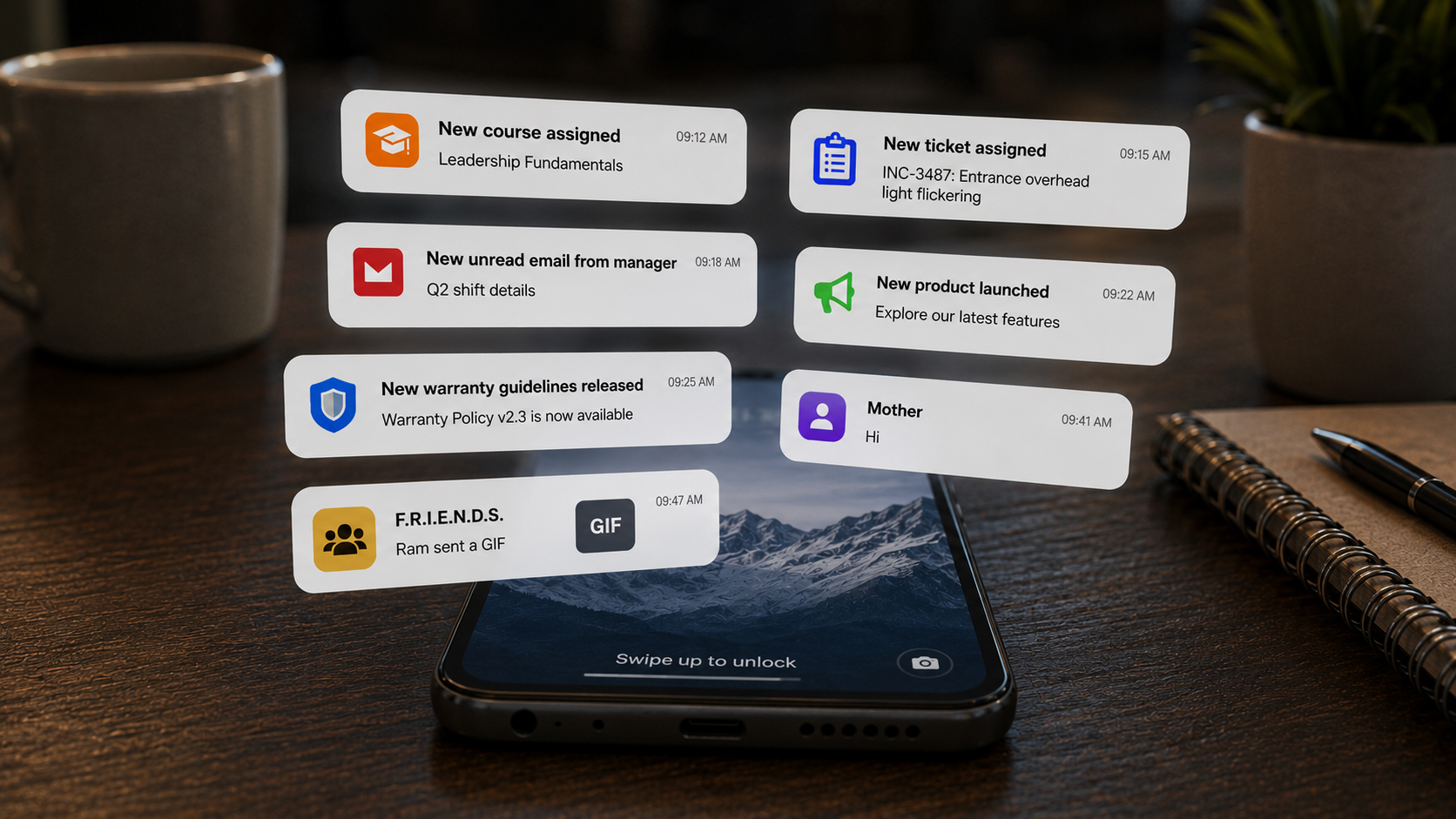
A communication tool can help you reach your frontline. We've spoken at length about the role of such an application, but in this blog, we want to focus on something different: how teams actually use it, day to day.
P.S. Much of what gets posted isn't actually a directive. A lot has to do with team building and accessibility.
Communication is often the most overlooked part of a frontline app. We took stock of how it gets used across the industries we work with, and we're excited to show you how wide the range of possibilities is:
Here are some use cases your communication tool should enable:
Some of the most consistent content is entirely non-operational. Retail brands use the newsfeed to wish their teams on special days like Retail Employees' Day and to extend wishes to everyone on all festivals, in every region, on the same day.
It sounds like a small thing, but consider the alternative: a frontline employee whose only communication from the company is about targets, store audits and shift changes. A greeting sits with such updates and changes the tone of the whole feed. It tells the employee that the company is thinking about the person and not just their output.
Some brands go a step further and post company factoids, such as the brand's story, milestones and growth. Employees who know the story behind the brand tend to represent it better at the counter.
Teams grow and change. When a new team lead or trainer joins, an announcement in the feed introduces them to everyone they'll be working with.
A short post with a photo, a name, a role and a line about what the person will be helping with is sufficient- the new joiner gets a proper welcome, and the team knows who to go to for training, guidance or day-to-day questions.
Employee of the month, top performer shout-outs and store milestones only are truly effective if they're visible to more than the person being recognised. When the whole team sees a peer celebrated, it sets a clear standard for what good looks like and shows that effort gets noticed.
Making recognition public and consistent also means it doesn't depend on whether a particular manager remembers to do it.
The first weeks are when frontline businesses are most vulnerable to attrition. QSR teams have found a simple way to help: they share their career progression ladders with every new joiner.
On day one, a new crew member can see the path from where they are to shift lead, to assistant manager, to store manager, including what each step involves. That answers the question many new hires are asking: is this a job or a future? Because it's posted once and available to everyone who joins, it doesn't rely on a busy store manager remembering to explain it.
New products, new promotions and new store openings share a common risk: the story changes as it passes from person to person. By the time it reaches the counter, the offer has been misremembered or the key selling point has been dropped.
Posting the launch directly to the feed keeps the message intact. A single post can carry the details, the imagery and the talking points, so every store starts from the same information on the same day. Store launches work the same way: announcing a new opening tells the wider network what's growing and gives nearby stores context for questions customers will ask.
Long documents rarely get read or processed on a shift. Short, visual posts do.
Teams use the feature for guidelines and process explainers broken into small pieces rather than one big manual. Visual merchandising is a good example: instead of a written description of how a display should look, a post with images shows it. Store teams can see exactly what "on-brand" looks like and match it.
Teams can also mark content as useful or not useful. That feedback loop tells you which formats work and which content isn't helping, and over time it shapes how you communicate with the frontline.
Frontline work doesn't happen at a desk, so the content shouldn't stay on a phone. Team members can download images and use them in store or share them with customers. A new offer poster can go from the feed to the shop wall in minutes.
You don't need to post every day. What matters is variety. A healthy feed might look like this over a typical month:
.png)
If every post in your feed is an instruction, people will treat it like an inbox. A mix of celebration, learning and information is what makes people open it voluntarily.
All of this works because Frontlyne is a single, connected retail workforce app. Communication doesn't sit in one tool while training, tasks and recognition sit in others. When a training is deployed, for example, the frontliner can open the course from the same system where they saw the announcement, and even earn early bird points for completing it quickly. The message, the action and the reward all happen in one place, which is what turns communication into something actionable.


A communication tool can help you reach your frontline. We've spoken at length about the role of such an application, but in this blog, we want to focus on something different: how teams actually use it, day to day.
P.S. Much of what gets posted isn't actually a directive. A lot has to do with team building and accessibility.
Communication is often the most overlooked part of a frontline app. We took stock of how it gets used across the industries we work with, and we're excited to show you how wide the range of possibilities is:
Here are some use cases your communication tool should enable:
Some of the most consistent content is entirely non-operational. Retail brands use the newsfeed to wish their teams on special days like Retail Employees' Day and to extend wishes to everyone on all festivals, in every region, on the same day.
It sounds like a small thing, but consider the alternative: a frontline employee whose only communication from the company is about targets, store audits and shift changes. A greeting sits with such updates and changes the tone of the whole feed. It tells the employee that the company is thinking about the person and not just their output.
Some brands go a step further and post company factoids, such as the brand's story, milestones and growth. Employees who know the story behind the brand tend to represent it better at the counter.
Teams grow and change. When a new team lead or trainer joins, an announcement in the feed introduces them to everyone they'll be working with.
A short post with a photo, a name, a role and a line about what the person will be helping with is sufficient- the new joiner gets a proper welcome, and the team knows who to go to for training, guidance or day-to-day questions.
Employee of the month, top performer shout-outs and store milestones only are truly effective if they're visible to more than the person being recognised. When the whole team sees a peer celebrated, it sets a clear standard for what good looks like and shows that effort gets noticed.
Making recognition public and consistent also means it doesn't depend on whether a particular manager remembers to do it.
The first weeks are when frontline businesses are most vulnerable to attrition. QSR teams have found a simple way to help: they share their career progression ladders with every new joiner.
On day one, a new crew member can see the path from where they are to shift lead, to assistant manager, to store manager, including what each step involves. That answers the question many new hires are asking: is this a job or a future? Because it's posted once and available to everyone who joins, it doesn't rely on a busy store manager remembering to explain it.
New products, new promotions and new store openings share a common risk: the story changes as it passes from person to person. By the time it reaches the counter, the offer has been misremembered or the key selling point has been dropped.
Posting the launch directly to the feed keeps the message intact. A single post can carry the details, the imagery and the talking points, so every store starts from the same information on the same day. Store launches work the same way: announcing a new opening tells the wider network what's growing and gives nearby stores context for questions customers will ask.
Long documents rarely get read or processed on a shift. Short, visual posts do.
Teams use the feature for guidelines and process explainers broken into small pieces rather than one big manual. Visual merchandising is a good example: instead of a written description of how a display should look, a post with images shows it. Store teams can see exactly what "on-brand" looks like and match it.
Teams can also mark content as useful or not useful. That feedback loop tells you which formats work and which content isn't helping, and over time it shapes how you communicate with the frontline.
Frontline work doesn't happen at a desk, so the content shouldn't stay on a phone. Team members can download images and use them in store or share them with customers. A new offer poster can go from the feed to the shop wall in minutes.
You don't need to post every day. What matters is variety. A healthy feed might look like this over a typical month:
If every post in your feed is an instruction, people will treat it like an inbox. A mix of celebration, learning and information is what makes people open it voluntarily.
All of this works because Frontlyne is a single, connected retail workforce app. Communication doesn't sit in one tool while training, tasks and recognition sit in others. When a training is deployed, for example, the frontliner can open the course from the same system where they saw the announcement, and even earn early bird points for completing it quickly. The message, the action and the reward all happen in one place, which is what turns communication into something actionable.
Join the brands building better frontline workforces. Live in 50 days. No IT complexity. Dedicated support from day one.


.jpg)
.png)
.png)
.png)